
To create a password for your account follow these steps:
Step 1) Login to Juggl using the 'Magic link'.
Step 2) Click on 'My Juggl account' under 'My account' on the left hand side.
Step 3) You will have landed on 'Profile' (seeing your email address) now click 'Login and security'.
Step 4) Create a password that matches the criteria of a strong password.
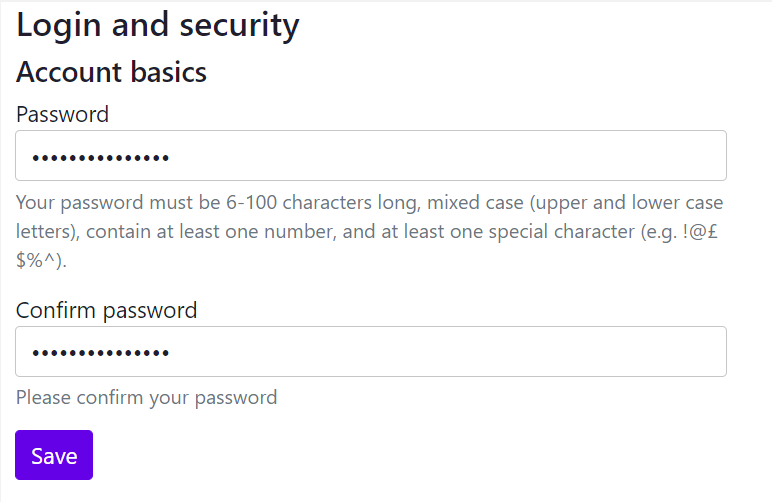
Step 5) Click Save and you are set.
Now every time you login and aren't already sent straight into your workspace you will be able to use your username and password instead of the magic link.
Comments
0 comments
Please sign in to leave a comment.